
scroll
How It Works
Host starts a room
Fire up RyanBox on any screen — TV, laptop, whatever. A room code appears.
Players join on their phone
Everyone enters the code on their phone. No app download — just a browser.
Pick a game, go
Choose from the lineup, compete in real-time, talk trash, repeat.
The Lineup
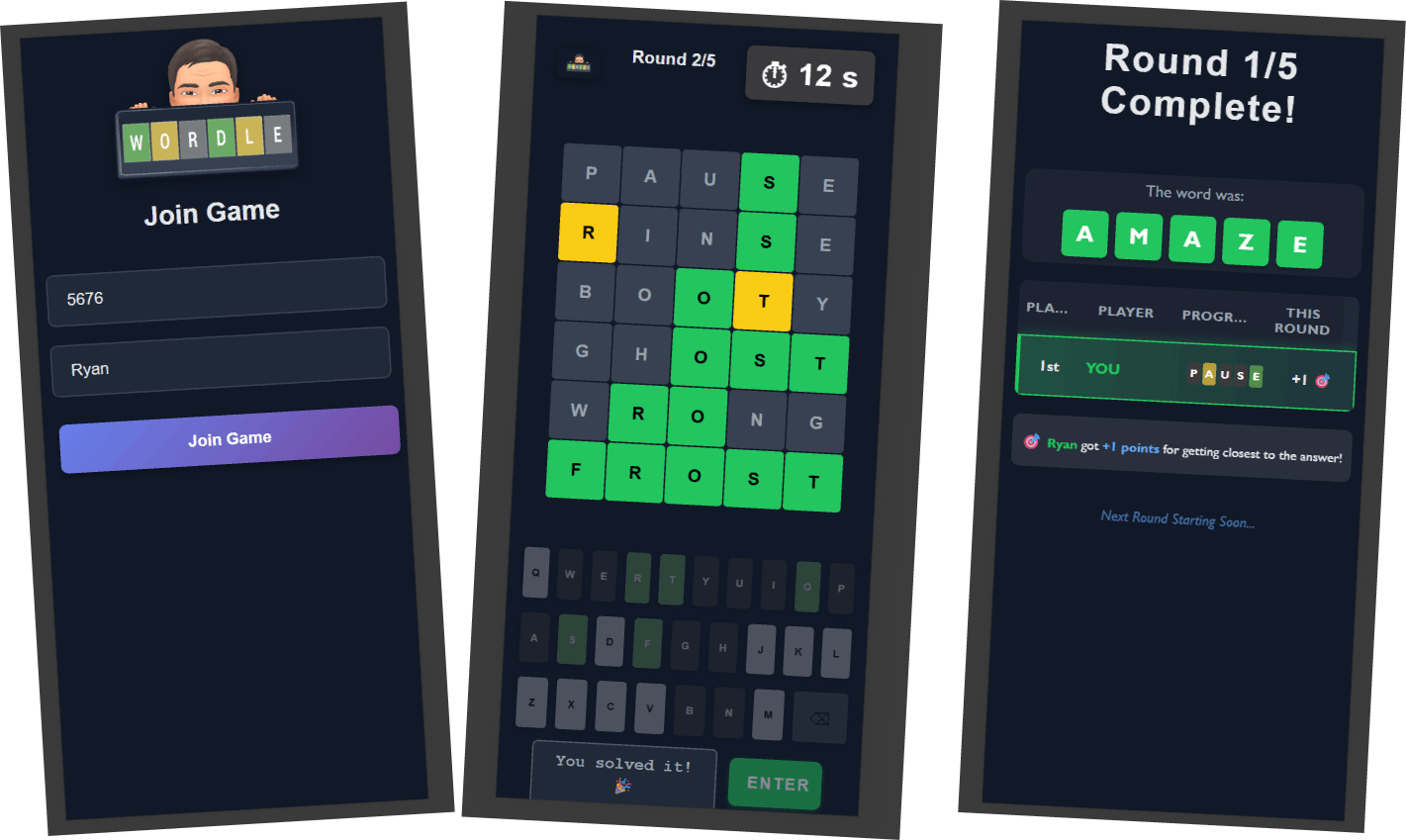
Guess the 5-letter word in 6 tries. Compete head-to-head with friends in real-time — see who cracks it first.
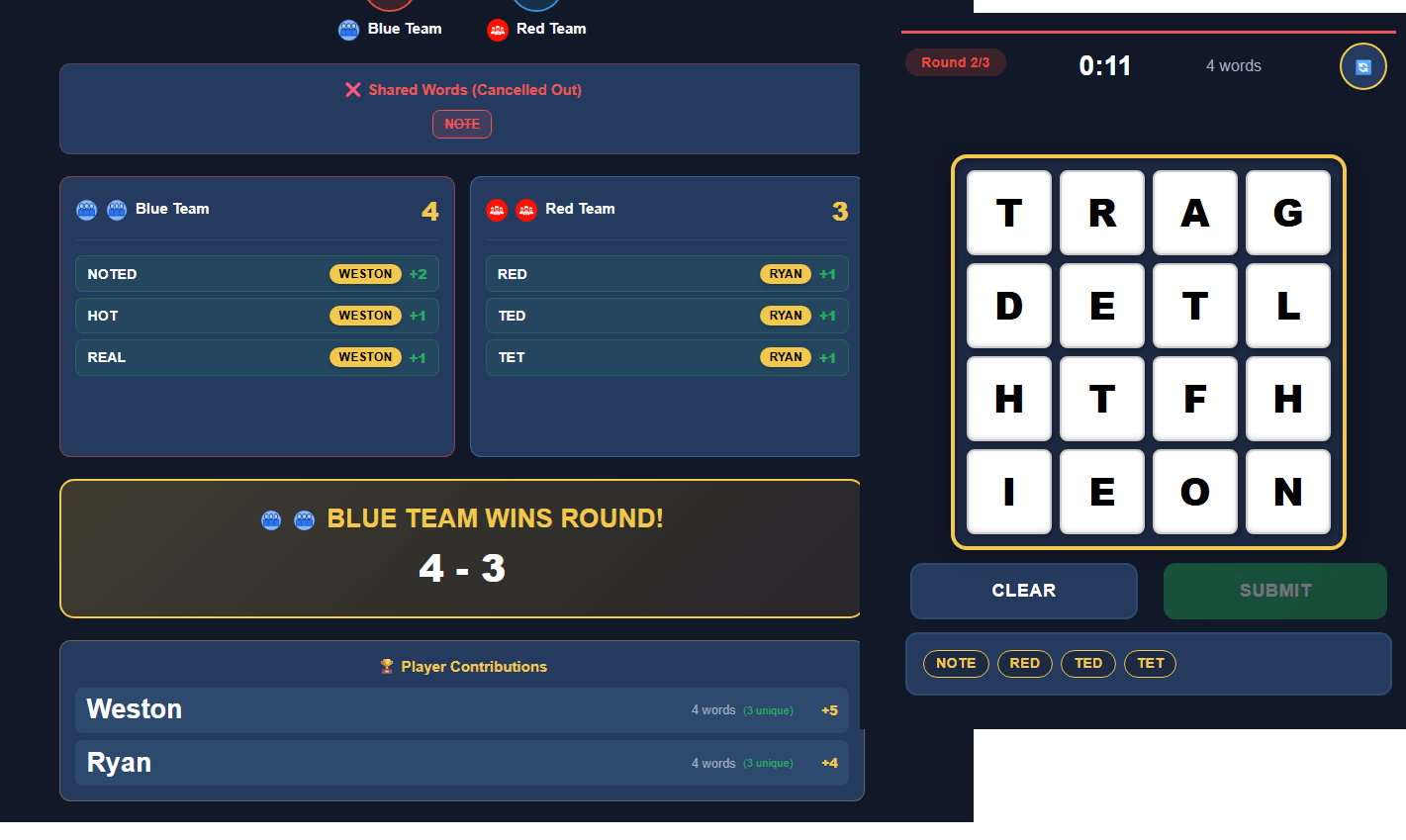

Find hidden words in a grid of letters. Race the clock and outscore your opponents — longer words, bigger points.
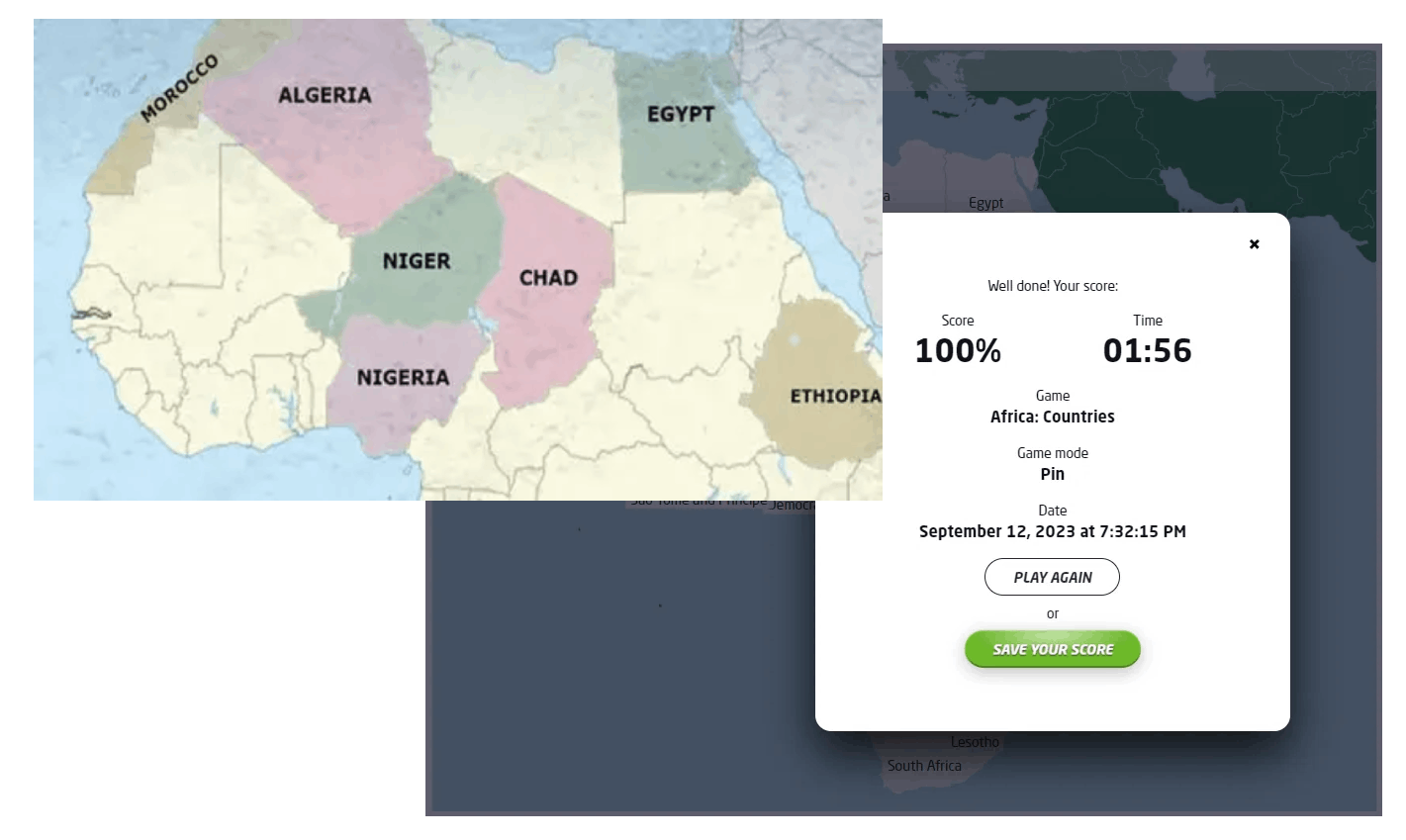

Sporcle-style category game. Name items that fit the prompt, beat the clock, and work with your friends.
Setup
The best way to play is with RyanBox on the big screen and everyone's phones as controllers. Here's how to set it up on a Fire TV Stick in about two minutes.
Works on all Fire TV Stick and Fire TV Cube models
On your Fire TV, open the Amazon Appstore and search for "Downloader" by AFTVnews. It's free. This is the standard way to install apps that aren't in the Amazon store.

Go to Settings → My Fire TV → About. Highlight your device name (e.g. "Fire TV Stick") and click it 7 times with the select button. You'll see a countdown, then a message saying "You are already a developer."
This is the same trick as enabling developer mode on an Android phone — it just reveals a hidden menu.
Press back to return to the My Fire TV menu — you'll now see Developer Options. Open it and select Install Unknown Apps, then turn it ON for Downloader.
Some older Fire TVs show this as "Apps from Unknown Sources" — just toggle it on.
Open the Downloader app and type in the link below. The APK will download automatically — when it finishes, select "Install".
ryanmarquardt.com/ryanbox3.apk
Open RyanBox from your apps list. A room code appears on the TV — everyone joins on their phone by visiting the link shown on screen. No app download needed on phones, just a browser.
Why the extra steps? Amazon only allows its own app store on Fire TV, so any app installed outside of it — even big-name apps like Kodi — requires this same process. RyanBox doesn't collect data, doesn't require an account, and runs entirely on your local network.
Don't have a Fire TV? RyanBox also runs in any browser — just open it on a laptop and connect to your TV.